- 2026-06-02
- by LethaldiranMX
- Trends
- 0 Comments

LethaldiranMX Insight
Authyo OTP for Contact Form 7 addresses a critical vulnerability in high-traffic lead generation sites: the prevalence of low-quality, fake, or spam submissions that bypass traditional CAPTCHAs. By requiring real-time OTP verification via SMS, WhatsApp, Email, or Voice before a form can be submitted, this plugin shifts the operational focus from passive spam filtering to active user validation. For agencies and businesses managing high-value lead pipelines, it provides an elegant, developer-friendly mechanism to guarantee lead authenticity directly at the entry point.
Best Fit & Operational Role: This plugin is an ideal fit for B2B enterprises, digital agencies, and lead-generation platforms using Contact Form 7 that suffer from database pollution due to fake contact details. Operating as a secure bridge between WordPress and the Authyo API, it integrates into the CF7 ecosystem via shortcodes, while also offering a direct Google Sheets integration to streamline post-submission workflows. It solves the operational headache of manual lead cleaning by ensuring that every entry in your CRM or spreadsheet has a verified communication channel from day one.
Potential Limitations & Pitfalls: The primary operational risk lies in its hard dependency on the external Authyo API; any latency or downtime on their servers will directly impact form conversion rates and user experience. Additionally, sending user phone numbers and email addresses to a third-party service for verification introduces data sovereignty and compliance considerations under regulations like GDPR, requiring explicit updates to your site’s privacy policy. Users must also account for the ongoing transactional costs associated with SMS and WhatsApp OTP delivery, which can scale rapidly with high traffic.

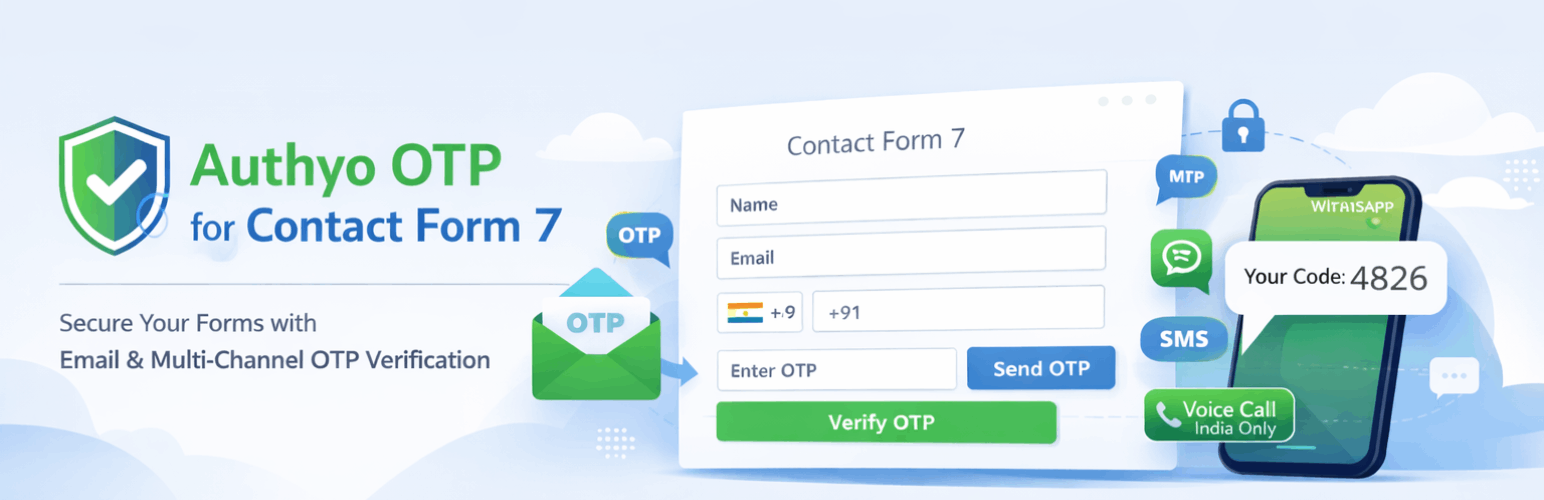
Add OTP verification (Email & Phone) to Contact Form 7. Reduce spam and allow only verified users via SMS, WhatsApp, Email, or Voice Call.
Tired of spam submissions and fake leads from your Contact Form 7 forms? Authyo OTP for Contact Form 7 helps you solve this by adding secure OTP verification before form submission.
With support for Email, SMS, WhatsApp, and Voice Call OTP, you can ensure that only genuine users submit your forms — improving lead quality and reducing unwanted entries.
The plugin is designed to work seamlessly with Contact Form 7 and provides an easy setup experience without complex configurations.
This plugin is an independent add-on for Contact Form 7, developed and maintained by Konceptwise Digital Media Pvt. Ltd., and integrates securely with the Authyo OTP service.
“This plugin is an add-on for Contact Form 7 and is not developed by or affiliated with the Contact Form 7 authors.”
Key Features
OTP Verification
- Add OTP verification to Contact Form 7 forms
- Email OTP using
[authyo_email]shortcode - Phone OTP using
[authyo_phone]shortcode - Automatic verification on OTP entry
- Custom messages for OTP sent, verified, and failed states
- Enable or disable OTP per form
OTP Delivery Channels
- Email OTP
- SMS OTP (India & international)
- WhatsApp OTP
- Voice Call OTP (available in India)
- Automatic fallback between channels if configured
Spam Protection & Security
- Prevent fake submissions and spam entries
- Verify email addresses and phone numbers before submission
- Uses secure API communication with validation
- Follows WordPress coding standards (nonce & sanitization)
Google Sheets Integration
- Automatically send form entries to Google Sheets
- Multi-sheet support for different forms
- Custom column mapping for form fields
- Dynamic sheet/tab creation
Form Control
- Set custom redirect URL after successful submission
- Works with AJAX and popup forms
Who Can Use This Plugin?
- Website owners using Contact Form 7 for lead generation
- Businesses looking to reduce spam and fake inquiries
- Agencies managing multiple client websites
- Developers building secure and verified forms
Live Demo
Video Tutorial
External Services
This plugin connects to external Authyo services in the following scenarios:
OTP Verification
Service used: Authyo (https://app.authyo.io)
Purpose: OTP verification (send and verify one-time passwords)
Data sent: Email or phone number for verification
When: During OTP request and verification on frontend forms
Provider: Authyo Inc. / Konceptwise Digital Media Pvt. Ltd.
Terms: https://authyo.io/terms-service
Privacy Policy: https://authyo.io/privacy-policy
Support Requests
Service used: Authyo (https://app.authyo.io)
Purpose: Delivering support/help requests submitted by the site administrator
Data sent: Admin’s message, email address, site URL, plugin version, WordPress version, PHP version
When: Only when the site administrator explicitly submits the help form in the Support tab
Provider: Authyo Inc. / Konceptwise Digital Media Pvt. Ltd.
Terms: https://authyo.io/terms-service
Privacy Policy: https://authyo.io/privacy-policy
Plugin Activation & Deactivation Tracking
Service used: Authyo (https://app.authyo.io)
Purpose: Anonymous plugin usage tracking and deactivation feedback
Data sent: Plugin version, page URL, and optional deactivation reason
When: On plugin settings save (non-blocking) and plugin deactivation (optional feedback)
Provider: Authyo Inc. / Konceptwise Digital Media Pvt. Ltd.
Terms: https://authyo.io/terms-service
Privacy Policy: https://authyo.io/privacy-policy
Dependencies
This plugin requires the Contact Form 7 plugin to be installed and activated.
Contact Form 7 is developed by Takayuki Miyoshi and is available on WordPress.org:
https://wordpress.org/plugins/contact-form-7/
Editorial note: This overview combines WordPress.org official plugin metadata with an AI-assisted LethaldiranMX editorial review. Plugin data should be verified on the official WordPress.org listing before installation.