
- 2026-11-17
- by LethaldiranMX
- Trends
- 0 Comments


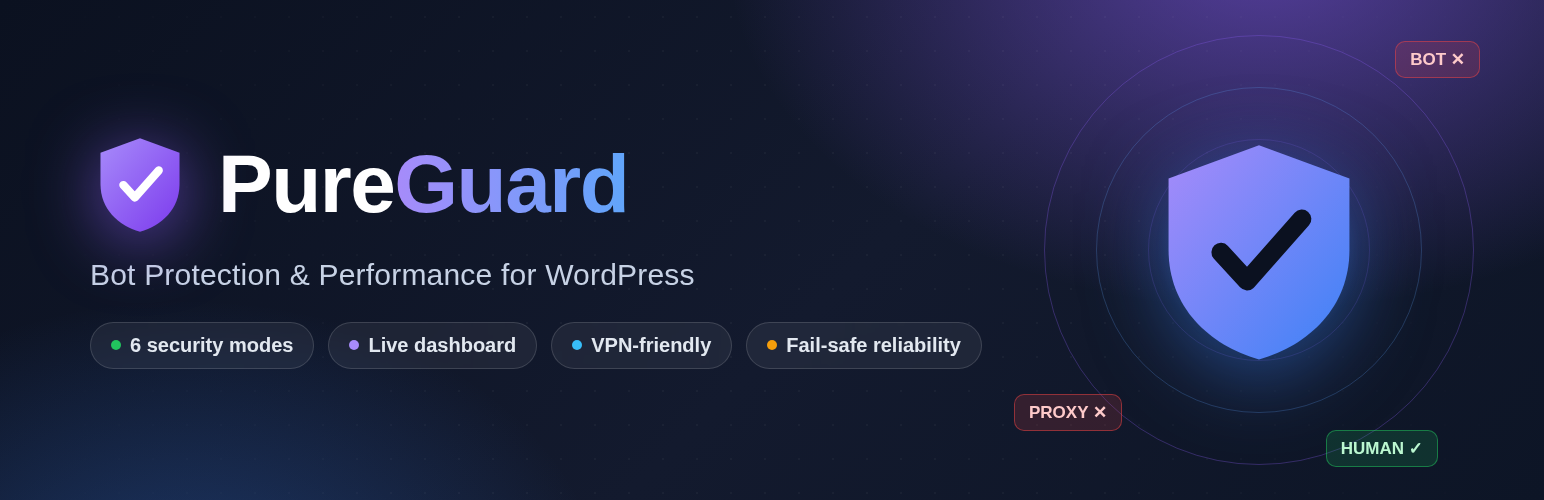
Bot & Ad-Fraud Protection: checks every visitor, lets real people in and stops bots. Start in Monitor mode and watch before anything is stopped.
PureGuard checks every visitor to your WordPress site, lets real people in and stops bots. You pick one of six modes and the plugin sets everything else for you.
Every visitor is put in one of three groups:
- Real people — visitors we are sure about.
- Unsure — not clearly a bot, not clearly a person.
- Bots — confirmed bots.
The six modes
- Off — Nothing is checked and nothing is recorded.
- Monitor (watch only) — Every visitor is checked and shown on the Live page, and everyone is let in. New installs start here: watch for a few days before you stop anyone.
- Protect — Confirmed bots are stopped. Everyone else is let in without noticing anything.
- Protect + browser check — Confirmed bots are stopped, and visitors we are unsure about get a short automatic browser check that real people pass in a few seconds.
- Strict — Only visitors we are sure about are let in. Some real people on unusual browsers will be stopped too.
- Emergency — Only verified Google, Bing, Apple and Meta crawlers get in; every other visitor is stopped, including other search engines, uptime monitors and ad-verification crawlers. Logged-in users are never stopped, so you cannot lock yourself out. Use during an attack, then switch back.
Visitors on VPNs
If your real audience uses VPNs or proxies to get around censorship, choose “My readers use VPNs to get around censorship”. A visitor is then never stopped for their network alone. With the browser check they get the quick check instead (people pass it, bots cannot). Visitors with real bot evidence are still stopped.
Your own look on the browser check and block pages
Add your own logo, brand name, accent color, and dark or light theme. Change the block-page heading and message, show stopped visitors their IP and an incident ID, and let real people report a mistake with one click (“I am human”). Preview both pages from the settings before anything goes live.
Live page
- Protection status — whether the site is connected, the current mode, when the last visitor was checked, and your plan usage.
- The last 24 hours — visitors checked, let in and stopped, verified search crawlers, a chart by hour, why visitors were stopped, and the top countries.
- Ready for Protect mode? — while you are in Monitor mode, the page tells you whether a blocking mode would have stopped real visitors or search crawlers yesterday.
- This site’s own history — a live feed of the latest visitors, the addresses seen most as bots, visitor reports, daily totals, and a CSV export of the last 7 days.
These numbers cover visits that reach WordPress. Pages served from a page cache or CDN cache are not seen by the check. The history is kept in your own database (last 30 days).
Browser check page in several languages
The browser check page picks the visitor’s browser language by itself. English, Thai, Bahasa Indonesia, Vietnamese, and Burmese (Myanmar) are built in, and every line can be edited in the settings.
Visitor engagement (off by default)
Optional: when you turn it on, the plugin measures anonymous time on page and scroll depth for real visitors. Off by default — no measurement script is added unless you turn it on. No personal data is collected.
External services
This plugin connects to the PureGuard service (https://pureguard.io) to check visits:
- What is sent: visitor IP address, user agent, requested URL/campaign parameters and browser-provided headers of the request being checked; your API key authenticates the calls. The Live page also asks the service for this site’s 24-hour summary, sending the site’s host name.
- Browser verification (optional, off by default; the two “browser verification” switches under Paid campaign traffic): when on, the visitor’s own browser sends a short anonymous measurement straight to https://pureguard.io — screen size, graphics hardware name, processor count, time zone, language, whether the page became visible and whether there was real scrolling, touch or pointer movement. No cookies are set by it and no names, e-mail addresses or form contents are read. Turn it on only if your privacy notice covers it.
- When: on protected page requests (bot check), when you press Test key, when an administrator opens the Live page, and when campaign features are turned on.
- Why: the checks run on the PureGuard servers; the plugin only passes on the request details and applies the answer. If the service cannot be reached, visitors are let in.
- Service terms: https://pureguard.io/terms — Privacy: https://pureguard.io/privacy
Editorial note: This overview combines WordPress.org official plugin metadata with an AI-assisted LethaldiranMX editorial review. Plugin data should be verified on the official WordPress.org listing before installation.