- 2026-09-19
- by LethaldiranMX
- Trends
- 0 Comments

LethaldiranMX Insight
AlitaYoko Conversations offers an elegant, highly structured approach to editorial storytelling by allowing publishers to build simulated, interactive dialogue flows directly within the WordPress block editor. By decoupling conversational UI from actual live-chat databases, it provides a lightweight, performant mechanism for presenting interviews, educational scripts, and narrative-driven content without the typical database bloat of real-time messaging systems. The inclusion of progressive enhancement ensures that authored content remains fully indexable by search engines and readable even when JavaScript is disabled, making it an excellent choice for modern, accessible web publishing.
Best Fit & Operational Role: This plugin is an ideal fit for content-heavy sites, digital journalists, educators, and novelists who want to present structured, multi-participant dialogue in an engaging, visual format. Operationally, it bridges the gap between static text and complex custom-coded interactive components, offering a standardized JSON-based export/import workflow that integrates seamlessly into staging-to-production pipelines. Because it renders dynamically via a native Gutenberg block or shortcode, it fits cleanly into modern block-based themes without introducing heavy external dependencies or third-party tracking scripts.
Potential Limitations & Pitfalls: While the plugin is highly optimized with progressive enhancement and local asset delivery, editorial teams must manage the visual complexity of multi-participant styling to maintain brand consistency across different devices. Because it relies on dynamic rendering, sites utilizing aggressive static page caching will need to ensure that progressive reveal features, such as auto-play or tap-to-continue, do not conflict with asset optimization or minification pipelines. No security vulnerabilities or significant performance overheads were identified based on the available technical specifications.

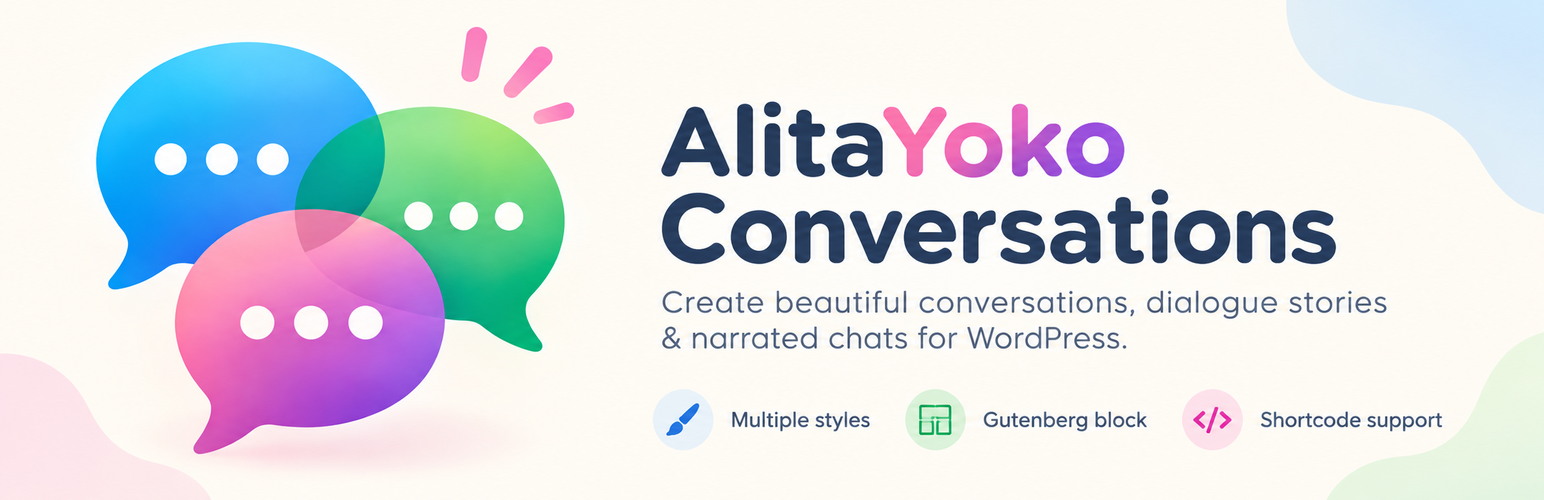
Build visual conversations and dialogue stories with participants, narration, multiple styles, Gutenberg support, and progressive reveals.
AlitaYoko Conversations is an editorial storytelling plugin for presenting authored conversations on a WordPress site. It is designed for reconstructed chats, interviews, fictional dialogue, educational examples, customer conversations, and complete dialogue-driven stories.
It is not a live chat service and does not send messages between visitors.
Conversation builder
- Create any number of conversations as dedicated WordPress content items.
- Add multiple participants with individual names, bubble colors, text colors, left/right alignment, and optional avatars.
- Build a sortable conversation flow from four entry types: Message, Narration, Divider, and System notice.
- Use keyboard-accessible Move up / Move down controls in addition to drag-and-drop sorting.
- Add optional timestamps or narrative labels to participant messages.
- Add optional per-message typing indicators in Bubble dots or Text style, with an individual 0.5–5 second duration.
Storytelling and presentation
- Five distinct presets: Modern, Material, Minimal, Classic, and Editorial / Book dialogue.
- Configure message and participant-name typography.
- Style narration independently, including size, color, alignment, and italic or regular text.
- Adjust bubble radius, shadow, and vertical spacing between flow entries.
- Preview appearance changes immediately on the per-conversation Settings screen.
- Choose whether participant names, timestamps, and avatars are shown visually.
Progressive reveal modes
- Instant.
- Reveal while scrolling.
- Tap / click to continue.
- Auto play with a configurable base delay.
- Show-all control for progressive modes.
- Reduced-motion preferences are respected.
- Progressive enhancement keeps authored content readable if JavaScript is unavailable.
Gutenberg and shortcode support
Use the native dynamic AlitaYoko Conversation block to select a published conversation in the block editor. The conversation is rendered dynamically, so later edits automatically appear everywhere it is embedded.
For shortcode-capable contexts, use:
[alitayoko_conversation id="123"]
Examples and portability
Three editable English example conversations are created after first activation. Administrators can recreate missing examples from Conversations > Settings without overwriting examples that still exist.
Conversations can be exported and imported as readable, versioned JSON. Imports create new conversations and never silently overwrite existing content. Persistent UUIDs detect repeated imports, while an explicit option allows an independent duplicate copy when desired.
Avatar references are portable when the matching image already exists on the destination site. AlitaYoko Conversations does not download external avatar files during import.
Privacy
AlitaYoko Conversations does not track visitors, create user accounts, send analytics, or contact external services. Conversation data is stored in the site’s WordPress database. Avatar images use the site’s existing WordPress Media Library.
JSON import reads only the file explicitly uploaded by an authorized WordPress user. Export is initiated explicitly by an authorized user. The plugin does not automatically download external media during import.
Editorial note: This overview combines WordPress.org official plugin metadata with an AI-assisted LethaldiranMX editorial review. Plugin data should be verified on the official WordPress.org listing before installation.