

- 2026-05-29
- by LethaldiranMX
- Trends
- 0 Comments
LethaldiranMX Insight
The CodePros Email Template Builder addresses a long-standing pain point in WordPress and WooCommerce operations by replacing rigid, default transactional emails with a highly customizable, drag-and-drop visual editor. By utilizing a React-based single-page application and a dedicated custom database table instead of standard post meta, the plugin offers a modern, performance-conscious approach to transactional email design. This architecture ensures that marketing and operations teams can maintain brand consistency across all 24 core WordPress and WooCommerce email types without degrading database performance. It serves as an essential tool for agencies and store owners who demand pixel-perfect transactional communication without relying on heavy third-party SaaS email builders.
Best Fit & Operational Role: This plugin is an ideal fit for WooCommerce store owners, agencies, and WordPress administrators who need to elevate their transactional email branding without the ongoing costs and integration overhead of external email marketing platforms. Positioned directly within the WordPress admin, it solves the operational challenge of fragmented email management by centralizing core WordPress notifications and WooCommerce transactional emails under a single visual builder. Its ability to toggle custom templates on a per-email basis and support custom hooks (in the Pro version) makes it a highly flexible asset for developers looking to standardize email delivery across complex, multi-plugin client sites.
Potential Limitations & Pitfalls: While the use of a custom database table prevents metadata bloat, administrators must ensure their backup and migration workflows capture custom database tables to avoid data loss during site moves. Additionally, the Pro version relies on external API calls to the CodePros AI licensing server for validation, which introduces a minor external dependency to monitor for uptime and data sovereignty compliance. Finally, developers utilizing custom hooks or third-party plugin integrations will need to budget for the Pro upgrade, as the free tier is strictly limited to core WordPress and WooCommerce transactional emails.

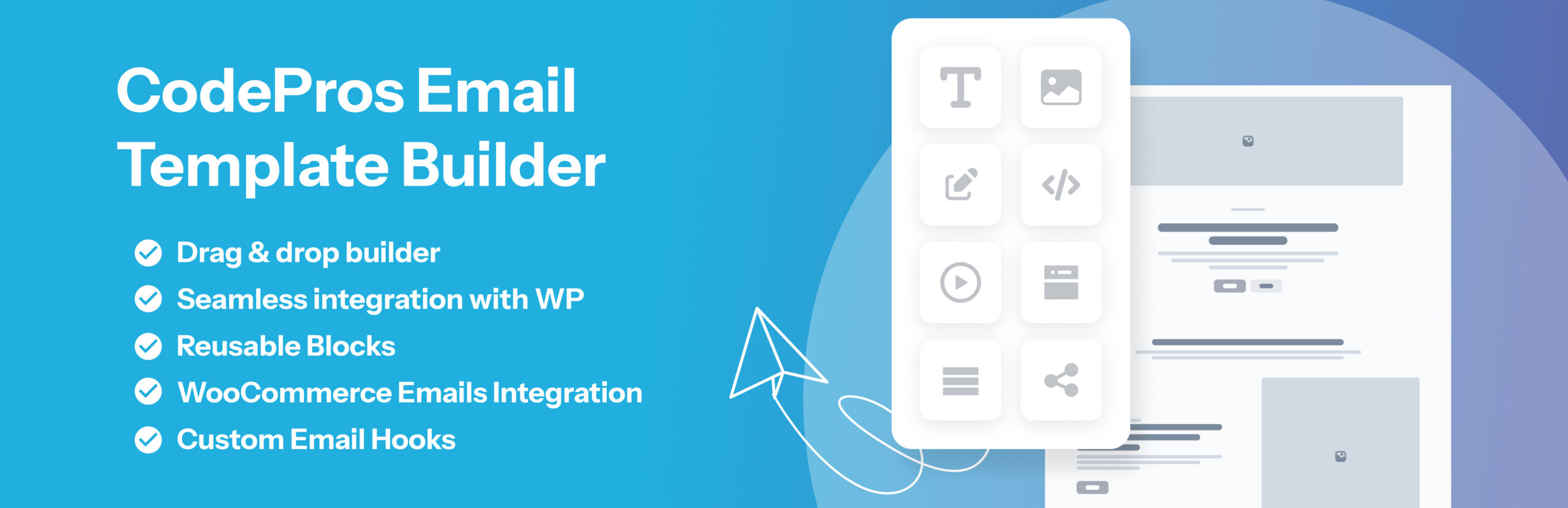
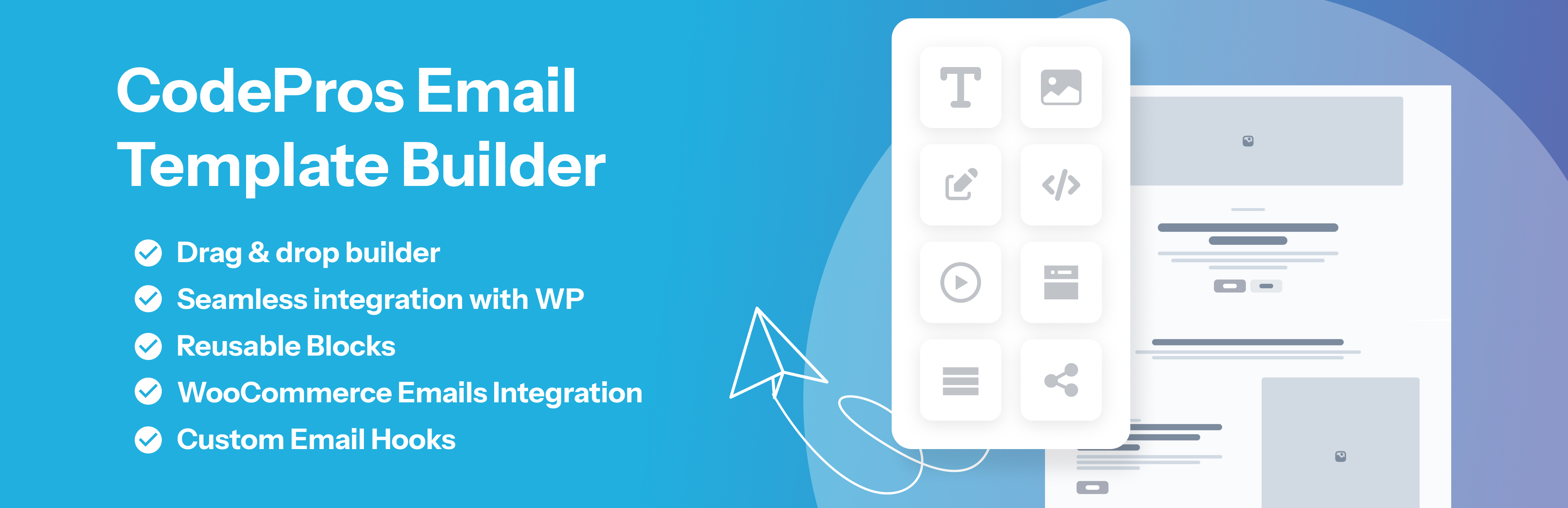
Design beautiful email templates with a drag-and-drop builder and assign them to WordPress & WooCommerce email hooks.
CodePros Email Template Editor gives you full control over the transactional emails sent by WordPress and WooCommerce. Replace the default plain-text or basic HTML emails with pixel-perfect branded templates built in a visual drag-and-drop editor — no coding required.
Key features:
- Visual drag-and-drop email builder with blocks: heading, text, button, image, divider, spacer, columns, container, footer, and order items table.
- Assign templates to 8 WordPress core email types: new user registration (to user and admin), password changed notification, password reset, comment notification, comment moderation, email address change confirmation, and admin email change confirmation.
- Full WooCommerce transactional email support — all 16 WooCommerce email types covered.
- Per-template control over subject line, preheader text, From Name, and From Email address.
- Live preview with real variable data before sending.
- Send test emails directly from the admin.
- Dynamic variable system:
{{order_id}},{{customer_name}},{{order_items_table}}, and more — resolved at send time. - CSS inlining for maximum email client compatibility.
- WooCommerce email active/inactive toggle — instantly switch between the custom template and WooCommerce default per email type.
- Custom hook support (Pro) — intercept any email sent by third-party plugins.
- Reusable blocks (Pro) — save any block as a reusable snippet and insert it across multiple templates.
- Per-side padding controls on heading, text, image, and columns blocks for precise spacing.
- Container block for styled section wrappers with background color, border, and border radius.
- Footer block for branded email footers with copyright text and background styling.
Upgrade to Pro — unlock custom hook support, reusable blocks, and other advanced features: https://store.codepros.ai/codepros-email-template-builder
Built with WordPress-native technology:
- React admin SPA using
@wordpress/scripts. - REST API backend (
cpetb/v1namespace). - Custom database table (not post meta) for reliable template storage.
- No external dependencies for core features — your email data stays on your server. (Pro license validation contacts the CodePros AI licensing server — see “External Services” below.)
Requirements
- WordPress 6.3 or higher.
- PHP 7.4 or higher.
- MySQL 5.6+ or MariaDB 10.1+ (for the plugin’s custom database table).
- WooCommerce (optional) — required only if you want to customize WooCommerce transactional emails; the plugin works standalone without it.
- A modern browser (Chrome, Firefox, Safari, or Edge — latest two versions) to use the visual drag-and-drop builder in wp-admin.
- An active Pro license (optional) — required only to unlock Custom Hook Support and Reusable Blocks. See “Upgrade to Pro” above.
External Services
This plugin’s core email-building functionality runs entirely on your own server. No data is transmitted to any third party during template creation, preview, or email sending.
The Pro license verification feature contacts an external API operated by CodePros AI (the plugin developer). This is the only external service this plugin uses.
Service: CodePros AI Licensing API
Endpoint: https://api.store.codepros.ai
Operated by: CodePros AI
Terms of Service: https://codepros.ai/terms
Privacy Policy: https://codepros.ai/privacy-policy
When data is transmitted and what is sent:
-
License Activation — triggered manually when you enter a license key and click “Activate” in the plugin’s License settings screen.
- Your license key (entered by you)
- Your site name (from WordPress Settings General Site Title)
- Your site URL (from WordPress Settings General WordPress Address)
-
License Deactivation — triggered manually when you click “Deactivate” in the License settings screen.
- Your license key
- The activation instance ID (a token assigned by the licensing server at activation time, stored in your database)
-
License Validation — triggered automatically in the background, at most once every 12 hours, but only when a license key is already stored and was previously active. No data is transmitted if no license key has ever been entered.
- Your license key
- The activation instance ID
No data is ever sent if you do not enter a license key. Free-tier users are completely unaffected.
The plugin stores the following license-related data in your WordPress database (wp_options table):
Editorial note: This overview combines WordPress.org official plugin metadata with an AI-assisted LethaldiranMX editorial review. Plugin data should be verified on the official WordPress.org listing before installation.


