

- 2026-10-26
- by LethaldiranMX
- Trends
- 0 Comments
LethaldiranMX Insight
Vanquish Deposits for WooCommerce addresses a critical operational hurdle for merchants selling high-ticket or custom items by enabling flexible deposit schedules at checkout. Crucially, it preserves native WooCommerce single-order integrity—keeping stock sync, reports, and tax tracking accurate while maintaining compatibility with HPOS and Block checkouts. This structure prevents database bloat and simplifies balance collection by automating payment requests straight from the dashboard.
Best Fit & Operational Role: This plugin is ideal for stores selling expensive merchandise, bespoke products, or pre-order services that require upfront commitments without demanding full payment immediately. Situated at the checkout and order-management layer, it eliminates manual balance invoicing by giving buyers clear deposit terms and seamless ‘Pay Now’ email reminders. It solves cash-flow friction for high-value merchants while preserving existing fulfillment workflows and third-party accounting integrations.
Potential Limitations & Pitfalls: None identified based on available information.

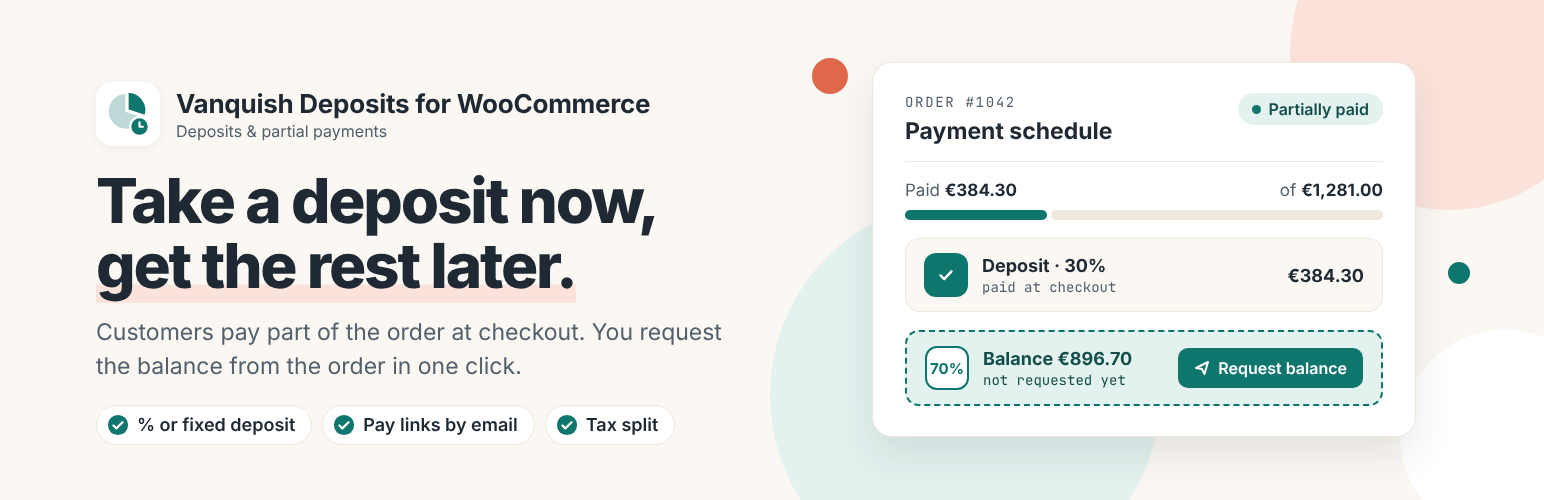
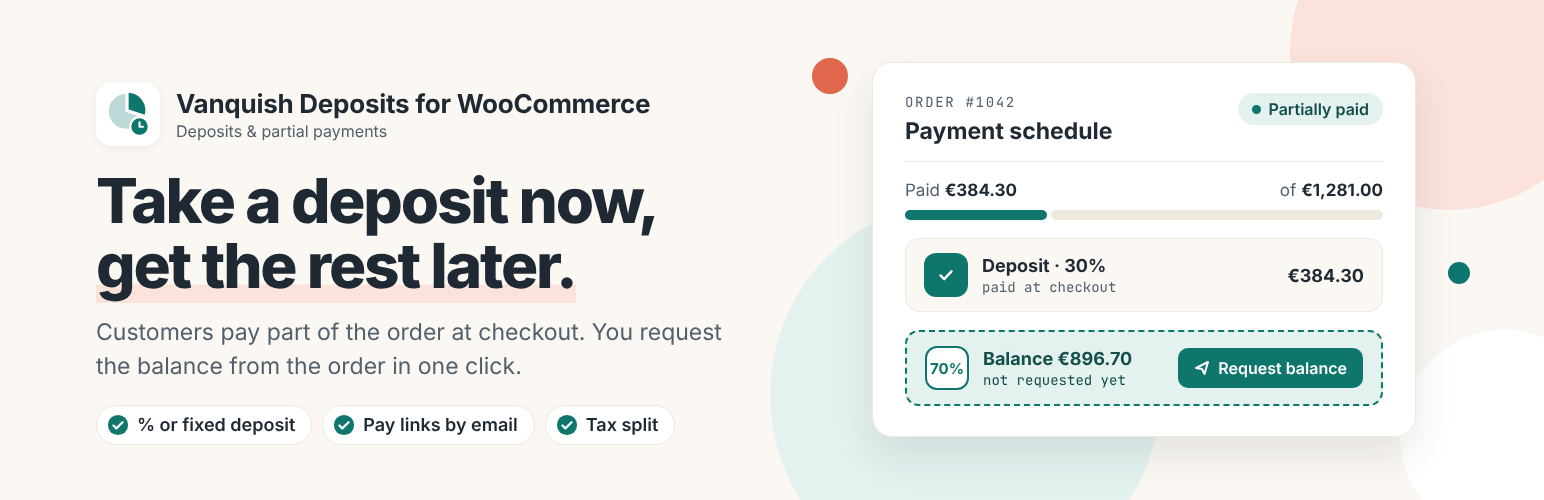
Take a deposit at checkout and collect the rest later: partial payments, payment plans and balance requests with reminders, for WooCommerce.
Vanquish Deposits for WooCommerce lets your customers pay part of an order at checkout and the rest later. They choose to pay a deposit (or you make it required), pay it with the payment methods of your store, and receive the balance request by email when you are ready, with a button to pay it online.
The order stays one WooCommerce order with its full total, its products and its shipping, so your stock, your reports and your invoices see the real order. Every payment is recorded on its own, with its amount, its tax, its payment method and its date, and refunds go back through the payment you choose.
How it goes:
- On the product page, in the cart and at checkout the customer sees what is due today and what is due later, and chooses to pay a deposit or pay in full.
- They pay the deposit at checkout. The order gets the status Partially paid, and you get the “New order with deposit” email.
- When you are ready, you click Request balance on the order. The customer gets an email with a Pay now button and pays the balance online, with an account or without one.
- Once everything is paid, the order moves on to Processing and both of you get an email.
It works with the block checkout and the classic checkout, with HPOS (High-Performance Order Storage), and with light and dark themes.
Free features
- Deposits as a percentage of the order or a fixed amount per item, for the whole store, or only for the products and categories where you turn them on. Each product, each variation and each category can have its own deposit, or none.
- Optional or required: the customer chooses between a deposit and paying in full, or the deposit is the only way to buy. “Pay a deposit” can be pre-selected.
- What is due today and what is due later, shown on the product page, in the cart and at checkout, with your own words for when the balance is due (“when your order is ready”, “before delivery”).
- Taxes split rate by rate on every payment, so each payment can be invoiced on its own. Shipping and fees are split the same way as the products.
- Stock reduced when the deposit is paid, or only when the order is fully paid.
- Partially paid, a status of its own for orders waiting for the balance (or Processing or On hold, if you prefer), and a Payment column with a filter in the orders list.
- The Payment schedule box on the order: request the balance with an optional due date and message, send the request again, copy the payment link to send it any way you like, mark a payment as paid when the money arrives outside the site (a smaller amount splits the payment in two), confirm a bank transfer, and refund through the payment you choose. “Paid” and “Balance due” appear under the order totals.
- A Pay now page for each payment, which works without logging in, and the payments of each order in My account, with a Pay button. Customers can pay the balance early, if you allow it.
- Payment methods for the deposit: choose which methods can take the deposit. Later payments can use any method of your store.
- Eight emails, managed in WooCommerce Settings Emails like any other: Deposit received, Payment requested, Payment receipt, Order fully paid, Payment request withdrawn and Balance changed for the customer, New order with deposit and Payment received for you. A ninth one, Order placed, nothing to pay today, is listed there too: only the Premium “Nothing to pay today” sends it.
- PDF invoices: with PDF Invoices & Packing Slips for WooCommerce (WP Overnight) and WebToffee PDF Invoices the invoice shows “Paid” and “Balance due”, and single payments never take an invoice number.
- A log of every payment event, always on, to rebuild what happened on an order if a customer asks. It never contains personal data.
- Every text translatable; template overrides from your theme.
Premium features
- Payment plans with as many payments (installments) as you need, such as “30% now, 40% when production starts, the rest before delivery”. Save them and assign them to products and categories, or edit the payments of a single order.
- Payments that start by themselves: when the order moves to a status you choose, on a date, or a number of days after the previous payment.
- Nothing to pay today: give a payment plan a first payment of 0%, and the customer places the order without paying (with its own “Order placed, nothing to pay today” email); every payment is requested later.
- Charge the saved card (Stripe): the card used for the deposit is saved, and the customer is told so at checkout; later payments are charged to it. The customer gets an email before each charge, and the payment is requested by email instead whenever the card cannot be charged. Before every automatic charge the order is checked; if anything looks wrong, nothing is charged and you are asked to decide.
- Reminders while a requested payment is unpaid, an email to you after the days you set, and, if you want, the unpaid payment or the whole order cancelled.
- Rules for who can pay a deposit: by user role, guests included, and by order amount.
- Shipping and fees all in the deposit, or all in the last payment, instead of split across the payments.
- Your own wording, in every language: rewrite what customers read and the subject and heading of each email, in each language of a WPML or Polylang site.
- Works with Vanquish Request a Quote (the accepted quote gets the payment plan of its products) and Vanquish Order Approval (the deposit before or after you approve the order).
Before you buy: what this plugin does not do
- Simple and variable products only. Subscriptions, bundles, composite and grouped products and gift cards are paid in full.
- No express checkout on a deposit. Express buttons (Apple Pay, Google Pay, Stripe Link, PayPal express) charge the full cart total, not the deposit, so they are switched off automatically while a deposit is in the cart. PayPal and cards stay available as payment methods at checkout, with the right amount.
- Automatic card charges (Premium) need the official Stripe plugin, a customer who is logged in at checkout and a card. Everyone else receives a Pay now link by email.
- One invoice for the whole order. A separate invoice for each payment is not available yet.
- It is not a refundable security deposit, and not a “buy now, pay later” service: the money goes to your store, through your own payment methods.
Screenshots, plans, answers and the full guide on the plugin’s page: vanquishplugins.com/plugins/deposits.
External services
This plugin uses Freemius to manage licensing and updates for the premium version, and to offer an optional opt-in when you first activate it. Nothing is sent unless you opt in or activate a license; if you do, Freemius receives your site URL, WordPress and PHP versions and your administrator email address, in order to deliver updates and support. See freemius.com, its terms and its privacy policy.
The premium version can charge later payments to the card the customer saved at checkout, through the official Stripe plugin for WooCommerce. It is off by default and does nothing until you turn on “Charge saved cards”. When it is on, Stripe saves the card used for the deposit, the plugin asks Stripe once for the card’s brand and last four digits (to show “Visa •••• 4242”), and each charge is sent to Stripe with the amount, the order number and the Stripe customer and card references Stripe gave at checkout. The service is provided by Stripe: terms of service, privacy policy.
More WooCommerce plugins by Vanquish
- Vanquish Request a Quote for WooCommerce – let customers ask for a price, answer with your quote, and let them pay it online once you accept it.
- Vanquish Order Approval for WooCommerce – review every order before it goes ahead, and let the customer pay before or after you approve it.
- Vanquish Upload Files for WooCommerce – let customers upload files (even large ones) on the product, cart, checkout and order pages.
- Vanquish Shipping Tracking for WooCommerce – tracking numbers on orders and emails, with 1,600+ carriers, a direct tracking link and a Track button.
- Vanquish Multiple Addresses for WooCommerce – give customers an address book: save several billing and shipping addresses and pick one at checkout.
- Vanquish Attach Me for WooCommerce – attach any file to any order or product, show it to the customer and send it with the order emails.
Editorial note: This overview combines WordPress.org official plugin metadata with an AI-assisted LethaldiranMX editorial review. Plugin data should be verified on the official WordPress.org listing before installation.