- 2026-06-06
- by LethaldiranMX
- Trends
- 0 Comments

LethaldiranMX Insight
Controlling frontend clutter is a critical aspect of user experience design, particularly for membership portals and WooCommerce stores where the native WordPress admin bar breaks the immersion of a custom-branded interface. This plugin addresses this operational friction by providing granular visibility controls based on roles, capabilities, and device types, eliminating the need for developers to write custom PHP filters or enqueue unnecessary CSS overrides. By decoupling admin bar visibility from default WordPress behavior, it ensures that subscribers, customers, and guests experience a seamless, professional frontend while administrators retain full backend access.
Best Fit & Operational Role: This utility is an excellent fit for site builders and digital operations teams managing multi-user platforms, client sites, or e-commerce storefronts where exposing backend links poses an aesthetic or user-flow issue. It integrates cleanly into any standard WordPress stack as a lightweight utility, solving the operational challenge of restricting frontend administrative footprints without introducing database bloat or external dependencies.
Potential Limitations & Pitfalls: None identified based on available information. The core plugin operates as a lightweight, developer-friendly utility with zero external requests or frontend database overhead, though teams utilizing advanced Pro features like device detection or inactivity auto-hide should monitor client-side script execution to ensure compatibility with aggressive page caching setups.

Hide the WordPress Admin Bar for specific user roles, capabilities, devices, pages, or time windows. The ultimate toolbar control plugin for membershi …
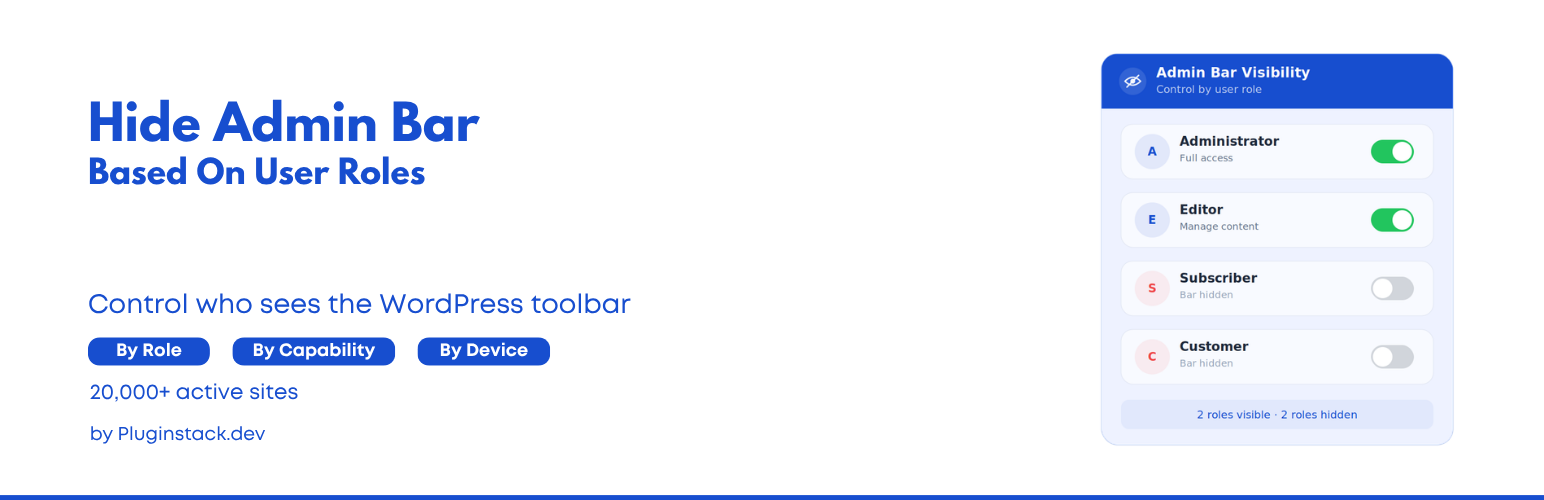
Hide Admin Bar Based On User Roles gives you complete control over who sees the WordPress toolbar.
Whether you are running a membership site, a WooCommerce store, or simply want a cleaner frontend for your subscribers, this plugin lets you hide the admin bar with precision — by role, capability, device, page, or time. Stop exposing backend links to users who don’t need them.
The plugin is lightweight, developer-friendly, and works immediately upon activation — no configuration required to get started.
Simple but great plugin. 🙂
– wptoolsdevWorks flawlessly! 🙂
– thebrazeneye
🚀 Key Features (Free)
- Hide for All Users: Completely remove the admin bar from the frontend for everyone.
- Hide for Guests: Ensure non-logged-in visitors never see the toolbar.
- Role-Based Hiding: Select specific roles (e.g., Subscriber, Customer, Editor) to hide the bar for.
- Capability-Based Hiding: Hide the bar based on WordPress capabilities (e.g., hide for anyone who cannot
manage_options). - Lightweight & Fast: Zero bloat — no external requests, no database overhead on the frontend.
🏆 Premium Features (Pro)
Unlock advanced visibility logic with the Pro version:
* Page-Based Targeting: Show or hide the admin bar only on specific URLs, post types, or page templates.
* Device Detection: Hide the toolbar on Mobile or Tablet to save screen space, while keeping it on Desktop.
* Per-User Overrides: Manually force the admin bar to show or hide for individual user accounts.
* Time-Based Visibility: Automatically hide the bar during specific hours of the day.
* Smart Redirects: Redirect users to the homepage or a custom URL when they try to access the backend.
* Inactivity Auto-Hide: Automatically slide the toolbar away after a configurable period of inactivity.
* Import / Export Settings: Back up and migrate your configuration across sites in one click.
You can check our other plugins:
- All-in-One WordPress Toolkit for SEO, Security, Customization, and Performance
- Like Dislike For WP
- Disable Block Editor FullScreen mode
- NoteFlow – Smart Notes Manager for WordPress Admin
Editorial note: This overview combines WordPress.org official plugin metadata with an AI-assisted LethaldiranMX editorial review. Plugin data should be verified on the official WordPress.org listing before installation.