- 2026-08-21
- by LethaldiranMX
- Trends
- 0 Comments
LethaldiranMX Insight
While Elementor Forms is highly capable for rapid deployment, its native validation often falls short when capturing structured data like phone numbers, tax IDs, or custom postal codes. This plugin addresses that operational gap directly by introducing client-side input masking, which significantly reduces form abandonment and database pollution by guiding users in real-time. For digital operations teams managing CRM integrations, enforcing strict formatting at the point of entry is a critical step in maintaining data integrity without relying on heavy custom JavaScript. It elevates standard Elementor forms into robust, enterprise-ready data ingestion points.
Best Fit & Operational Role: This plugin is an ideal fit for agency developers, lead generation specialists, and operations managers who rely on Elementor Pro for landing pages and customer intake. It sits comfortably in the middle of the marketing stack, serving as a front-line defense against malformed data before it ever reaches a CRM or marketing automation platform. By standardizing inputs directly in the browser, it eliminates the need for post-submission data cleaning scripts or manual database normalization.
Potential Limitations & Pitfalls: Because this is a dedicated add-on for Elementor Forms, it introduces a hard dependency on Elementor’s form module; if you migrate to a dedicated form builder in the future, these masks will need to be rebuilt from scratch. Additionally, developers must remember that client-side masking is primarily a user experience and formatting tool rather than a foolproof server-side security validation layer. Beyond these architectural considerations, no specific performance overhead or security risks were identified based on available information.

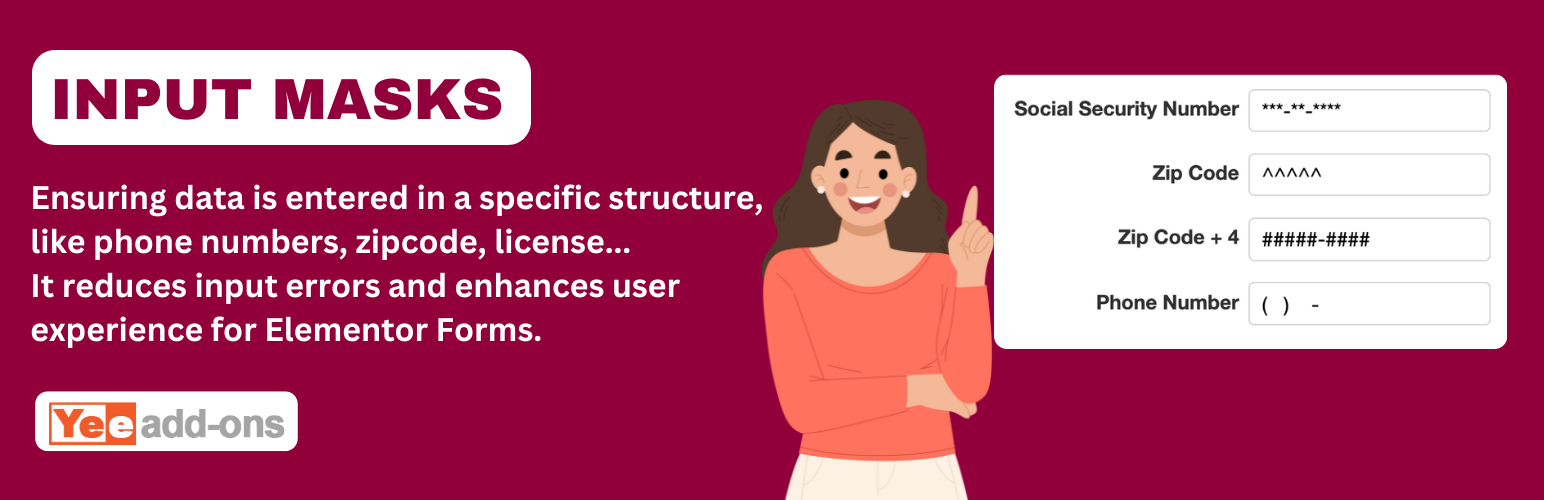
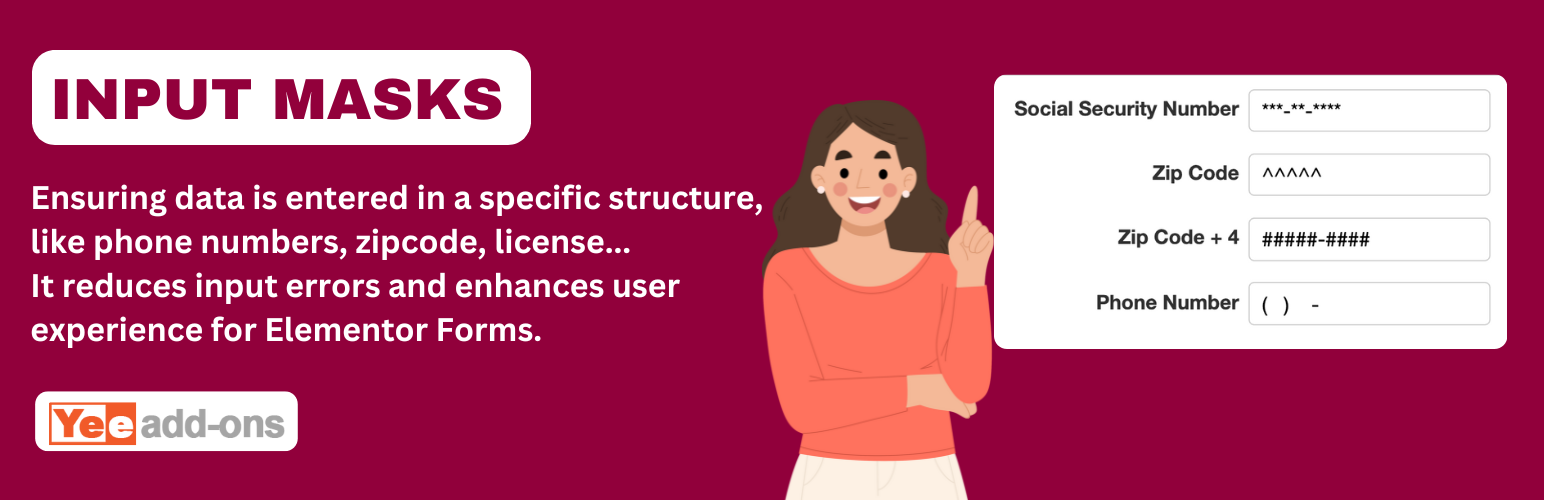
The plugin that allows you to create input fields with 6 pre-defined formats or custom as your formats in your Elementor Forms forms
DEMO: https://demo.add-ons.org/demo-input-masks/
Document: https://add-ons.org/document-input-masks-for-elementor-forms/
Pro Version: https://add-ons.org/plugin/input-masks-for-elementor-forms/
Input Masks for Elementor Forms is a must-have add-on that forces users to enter data in a specific, predefined format. Stop dealing with messy database entries and start collecting perfectly formatted phone numbers, postal codes, credit cards, dates, and tax IDs instantly.
By providing real-time visual formatting cues as the user types, an input mask significantly limits human error, reduces cognitive load, and dramatically improves the quality of the information you collect.
Whether you need a classic US Phone Number layout (999) 999-9999 or a complex custom format, this plugin gives you total control over the exact character structure of your Elementor Forms fields.
Features
- 6 Built-in Standard Formats: Get started instantly with pre-configured masks for US Phone, US Phone + Extension, SSN (Social Security Number), Tax ID, Zip Code, and Full Zip Code.
- Ultimate Custom Formats: Write your own custom mask formulas (e.g.,
9999-9999-9999-9999for Credit Cards ordd/mm/yyyyfor localized Dates) to match any global standard. - Interactive Visual Cues: Ghost placeholder characters gracefully appear in the input field to visually guide users through exactly what they need to type.
- Strict Validation: Only allows users to submit the form if their input strictly matches the defined mask, guaranteeing 100% clean data collection.
- Conditional Logic Ready: Works perfectly with Elementor’s native conditional logic. Show or hide masked fields dynamically.
- Seamless Integration: Adds a native “Input Masks” field type directly within your Elementor builder. No coding or complex shortcodes required.
Why You Need It
Inconsistent data entry costs businesses time and money. If you have ever struggled to read an unformatted phone number or lost a lead because of an invalid email/zip code structure, Input Masks solves the problem at the source. It ensures accurate data collection, protects your CRM, and creates a “frictionless” user experience.
Editorial note: This overview combines WordPress.org official plugin metadata with an AI-assisted LethaldiranMX editorial review. Plugin data should be verified on the official WordPress.org listing before installation.