
- 2026-10-18
- by LethaldiranMX
- Trends
- 0 Comments
LethaldiranMX Insight
RazorBooking offloads the heavy lifting of scheduling infrastructure to a external SaaS engine while maintaining a lightweight, native-feeling presence inside WordPress. By caching business data locally to serve structured Schema markup without blocking page loads, it solves the traditional performance and database bloat issues associated with native booking plugins. This decoupled architecture allows service businesses to handle real-time appointment management and payments securely without expanding their WordPress security or compliance footprint.
Best Fit & Operational Role: Service-oriented SMBs—such as health clinics, salons, auto shops, and consultation firms—that need a reliable scheduling workflow without compounding their WordPress database overhead. Within a digital operations stack, the plugin serves as a presentation and synchronization bridge, embedding customizable booking flows, client management portals, and localized business schema while delegating transaction processing and data storage to the RazorBooking platform.
Potential Limitations & Pitfalls: Relying on a third-party SaaS engine means that active booking functionality is contingent on external service availability and account standing, though local caching prevents general page render slowdowns. Sites requiring absolute local data sovereignty or deep programmatic extension via native WordPress custom post types may find the off-site data architecture restrictive compared to a fully self-hosted solution.

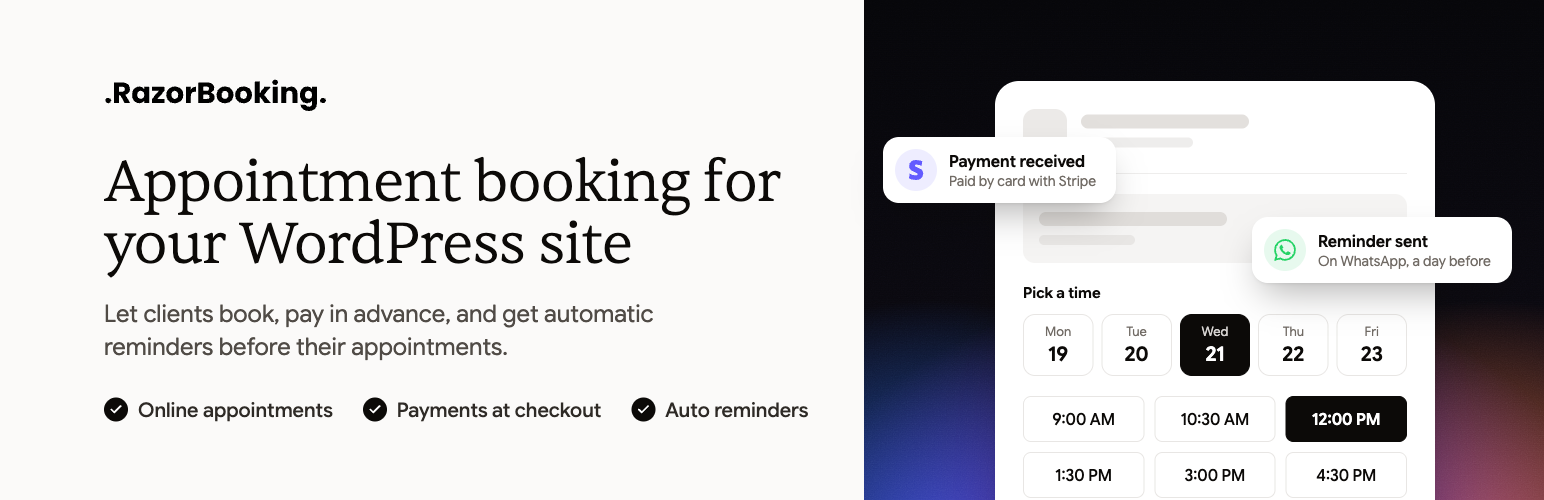
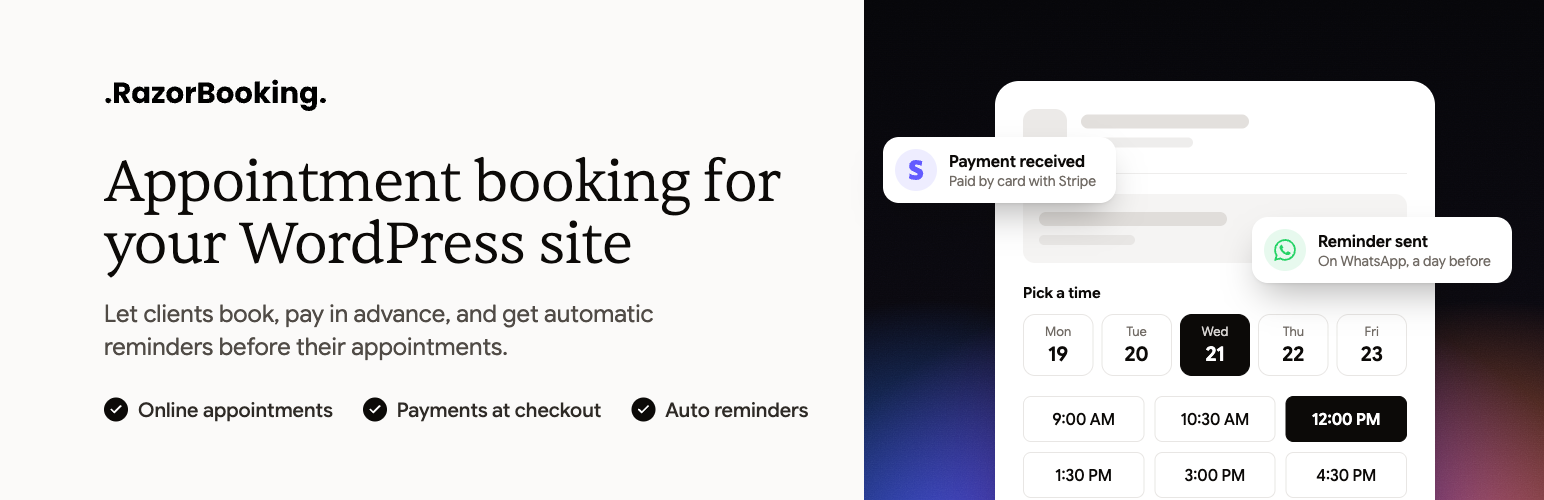
Let customers book appointments on your site with a booking form, popup or Book Now button. Synced with your RazorBooking services, staff and hours.
RazorBooking lets customers book appointments on your WordPress site, around the clock. They pick a service, a team member and a free time, and they can pay online. You can show the booking form on the page, in a popup, or behind a floating Book now button.
It’s made for service businesses: salons, barbershops, spas, auto repair and tire shops, home services, yoga and fitness studios, clinics and consultants. You manage services, staff, availability, prices and payments in your RazorBooking account. The plugin puts them on your website and keeps them in sync.
Why RazorBooking
- No customer data in your WordPress database. Bookings, customer details and payments stay in RazorBooking, so there’s less to secure and back up in WordPress.
- Local SEO from your own domain. The plugin adds business info for search engines (structured data) to your pages: business, address, hours, services and prices, FAQs and team. Search engines credit it to your site. A pasted embed code can’t do that.
- Fast pages. Your pages read a saved copy of your business info, so they never wait on RazorBooking to load.
- A booking site as well. Every account includes a hosted booking site at yourbusiness.razorbooking.app or your own domain. Share it on Google, Instagram and in messages. It uses the same calendar as your WordPress site.
- Your brand. Set your colors, font and corner style with a live preview. Buttons, popups and booking forms on your pages match.
- No silent failures. If the connection breaks, visitors never see a fake booking form. The booking area stays empty and administrators see why, so you can fix it the same day.
What you can add to your pages
- Booking form: all services, one category, or one service (with its variations and quantity), optionally for one team member. Show it on the page, in a popup, as a button linking to your booking site, or as a floating button.
- Reviews, Gallery and FAQ: synced from your booking site. Choose how many items to show and which title to use, or open them from a button.
- My bookings: your customers’ bookings, on your own site.
- Thank-you page and Booking confirmation: send customers to your own page after they book, showing their booking reference.
- Floating Book now button: with rules for where it appears, including hiding it on pages that already have a booking form.
It works with the block editor, Elementor (a “RazorBooking” section of widgets), widget areas, and shortcodes for classic themes and page builders such as Divi, Beaver Builder and WPBakery.
Included in RazorBooking
- Real-time availability for each team member
- Services with prices, variations and categories
- Online payments with Stripe and PayPal, including deposits and no-show fees
- Email and WhatsApp confirmations and reminders
- Google Calendar sync
- Coupons and discounts
- Customer reviews and a photo gallery
- Optional AI voice assistant for your booking site and AI phone receptionist
Pricing
The plugin is free, with nothing locked or limited. RazorBooking, the service it connects to, is paid. Every account starts with a 7-day free trial, no card needed. There is no free plan. See plans.
Shortcodes
[razorbooking], `[razorbooking_my_bookings]`, `[razorbooking_reviews]`, `[razorbooking_gallery]`, `[razorbooking_faq]` and `[razorbooking_confirmation]`. Click **Embed** on any item in the plugin to build its shortcode, or see every option under RazorBooking → Support → Shortcodes.
External services
This plugin is the WordPress side of RazorBooking, a hosted booking service, and doesn’t work without it. Nothing is sent to RazorBooking until you connect your account. After that, it contacts RazorBooking in the ways below.
RazorBooking API (from your server). Used to connect your site and to show and edit your RazorBooking business from the plugin’s admin screens. Sent: your site’s address and name when you connect; your site key and a random ID for this installation (created on activation) with every request; and whatever you create or change on these screens (services, categories, team members, the Design, your thank-you page’s address). Received: your business information (services, team, reviews, gallery, FAQs, settings) and, on the Home screen, today’s numbers and upcoming bookings. Requests go to app.razorbooking.com only from your WordPress admin: to fetch the saved copy of your business information the first time after you connect, when you click Sync, and after you save a change on these screens; and to show Home’s bookings and numbers and the reviews waiting for approval, which are never saved. RazorBooking never contacts your site, and visitors’ page views never make a request to it. If you delete the plugin, it sends one request asking RazorBooking to revoke the site key it created when you connected.
Your booking site (from your visitors’ browsers). The booking form, popup, reviews, gallery and FAQ are pages of your RazorBooking booking site (for example yourbusiness.razorbooking.app, or your own domain) shown inside your pages, and the script that displays them (widget.js) loads from there too. By default, a visitor’s browser loads them when it opens a page that shows one, and is told to connect to your booking site early (a “preconnect” hint). In Settings Privacy you can make booking wait until the visitor accepts cookies in your cookie banner, or until they click a booking button. The browser sends what it sends with any web request (IP address, browser type and language). What a visitor types into the booking form goes to RazorBooking. Fonts come from your booking site, not a font service. If your gallery has YouTube videos, their preview images come from YouTube (i.ytimg.com), and a video plays from youtube-nocookie.com when the visitor starts it. If you take payments online, your payment provider’s page or window opens at the payment step.
Your booking site may show a small “Powered by RazorBooking” line inside the booking form. It comes from RazorBooking, not from this plugin, and you can turn it off in RazorBooking.
Your booking site (in the admin screens). The Design and Add to site screens show a preview of your booking site, loaded from it.
Images. Service, team and gallery images you uploaded to RazorBooking are shown from RazorBooking’s file storage.
RazorBooking is provided by RazorBooking: terms of service, privacy policy.
Editorial note: This overview combines WordPress.org official plugin metadata with an AI-assisted LethaldiranMX editorial review. Plugin data should be verified on the official WordPress.org listing before installation.