- 2026-07-12
- by LethaldiranMX
- Trends
- 0 Comments

LethaldiranMX Insight
SplendorBackups addresses a notable gap in the free tier of All-in-One WP Migration by introducing a robust, local scheduling engine directly tied to the core plugin’s export framework. By leveraging the existing, highly reliable export classes of All-in-One WP Migration, it provides administrators with automated, retention-controlled backups without the overhead of a completely separate backup engine. It serves as a practical operational utility for site owners who want to automate their migration-ready archives locally while maintaining strict data sovereignty and detailed audit logs of backup activities.
Best Fit & Operational Role: This plugin is best suited for agency partners and solo administrators who already rely on All-in-One WP Migration for manual migrations but require automated, hands-off local recovery points. It fits seamlessly into a standard WordPress stack as an orchestration layer rather than a standalone backup solution, solving the operational challenge of manual export fatigue. It is ideal for environments where data sovereignty is paramount, as it keeps all archives on-premise within the default directory without external cloud dependencies.
Potential Limitations & Pitfalls: Because this plugin relies entirely on the host server’s resources and WordPress Cron to trigger the export classes, resource-constrained hosting environments may experience timeouts or skipped runs during large site exports. Additionally, keeping backups strictly local means administrators must implement their own offsite synchronization strategy, as a complete server failure would compromise both the live site and the local backup directory.

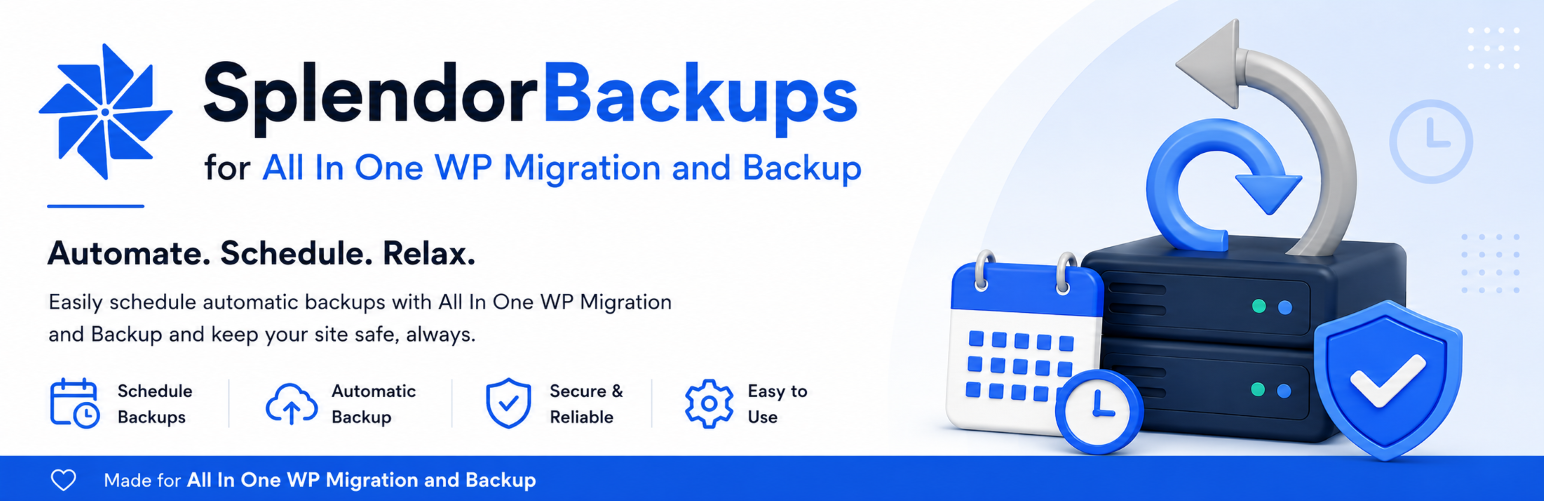
Schedule automatic local backups for AI1WM / All-in-One WP Migration and Backup with retention, logs, and admin-only backup management.
SplendorBackups for AI1WM / All-in-One WP Migration and Backup adds a focused scheduling layer for sites that already use All-in-One WP Migration and Backup.
The plugin can queue recurring All-in-One WP Migration exports, keep a separate list of backups created by this plugin, apply a retention limit, and show admin activity logs for backup starts, completions, failures, skipped runs, downloads, deletions, and retention cleanup.
It is built for site owners and administrators who want automatic backups for AI1WM / All-in-One WP Migration and Backup, scheduled backups for migration archives, and a simple way to track backup activity from the WordPress dashboard.
Backup files are stored in the standard All-in-One WP Migration backup folder:
wp-content/ai1wm-backups/
This plugin does not replace All-in-One WP Migration and Backup. It requires All-in-One WP Migration and Backup to be installed and active, and it uses that plugin’s export and backup-file handling.
The plugin does not send backup files, settings, logs, or site data to Splendorsoft or any external service. All backup files remain on the WordPress server unless an administrator downloads or moves them.
Features
- Hourly, twice daily, daily, weekly, or monthly backup schedules.
- Manual “Run backup now” action for administrators.
- Retention limit for completed backups created by this plugin.
- Optional exclusion of spam comments and post revisions.
- Separate admin list for backups created by this plugin.
- Activity logs for backup starts, completions, failures, skipped runs, downloads, deletions, and retention cleanup.
- Compatibility status panel for required All-in-One WP Migration classes, constants, and helper functions.
- Admin-only download and delete actions protected by WordPress capabilities and nonces.
Support and Troubleshooting
Before relying on scheduled backups, open the Compatibility status panel and run a manual backup on the target site. If a backup does not complete, check the activity logs, the All-in-One WP Migration Backups page, the wp-content/ai1wm-backups/ folder, WordPress cron, loopback requests, disk space, and host timeout/resource limits.
Requirements
- WordPress 5.8 or higher.
- PHP 7.4 or higher.
- All-in-One WP Migration and Backup installed and active.
- A writable
wp-content/ai1wm-backups/folder. - Working WordPress cron, or a real server cron that calls
wp-cron.php.
Editorial note: This overview combines WordPress.org official plugin metadata with an AI-assisted LethaldiranMX editorial review. Plugin data should be verified on the official WordPress.org listing before installation.